STEP-BY-STEP TUTORIAL & GUIDE
How to Remove the Background
from a Photo (Free & Easy)
A complete 3-step guide to removing image backgrounds online with zero watermark, high-resolution PNG downloads, and no signups required.
Remove Background Now3-Step Background Removal Guide
Removing the background from an image used to require expensive desktop software like Photoshop. With CutOut, you can generate transparent PNGs in seconds directly in your web browser.
-
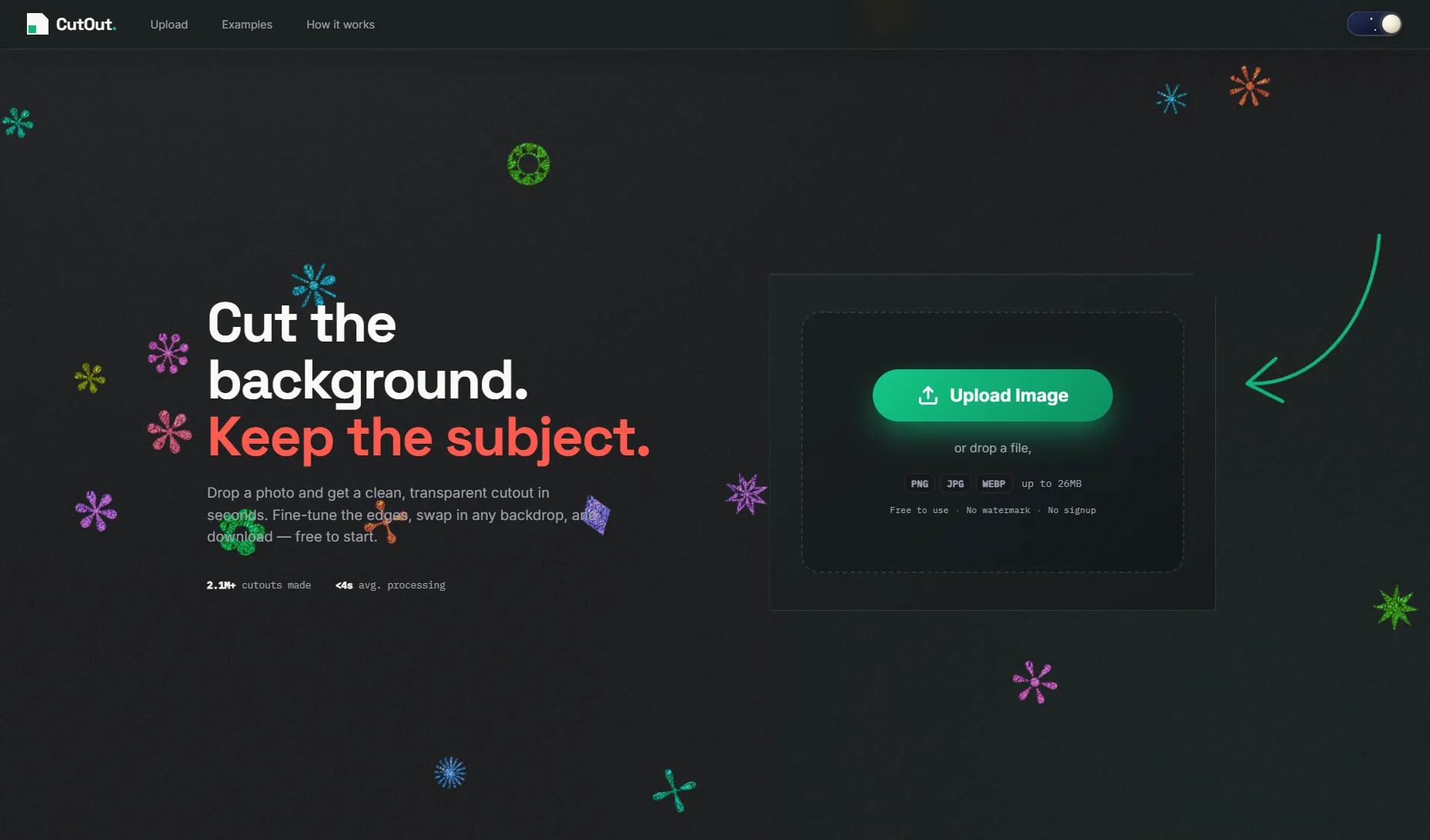 STEP 01
Upload Your Image
Drag & drop your photo or select a file from your device (JPEG, PNG, WebP supported up to 26MB).
-
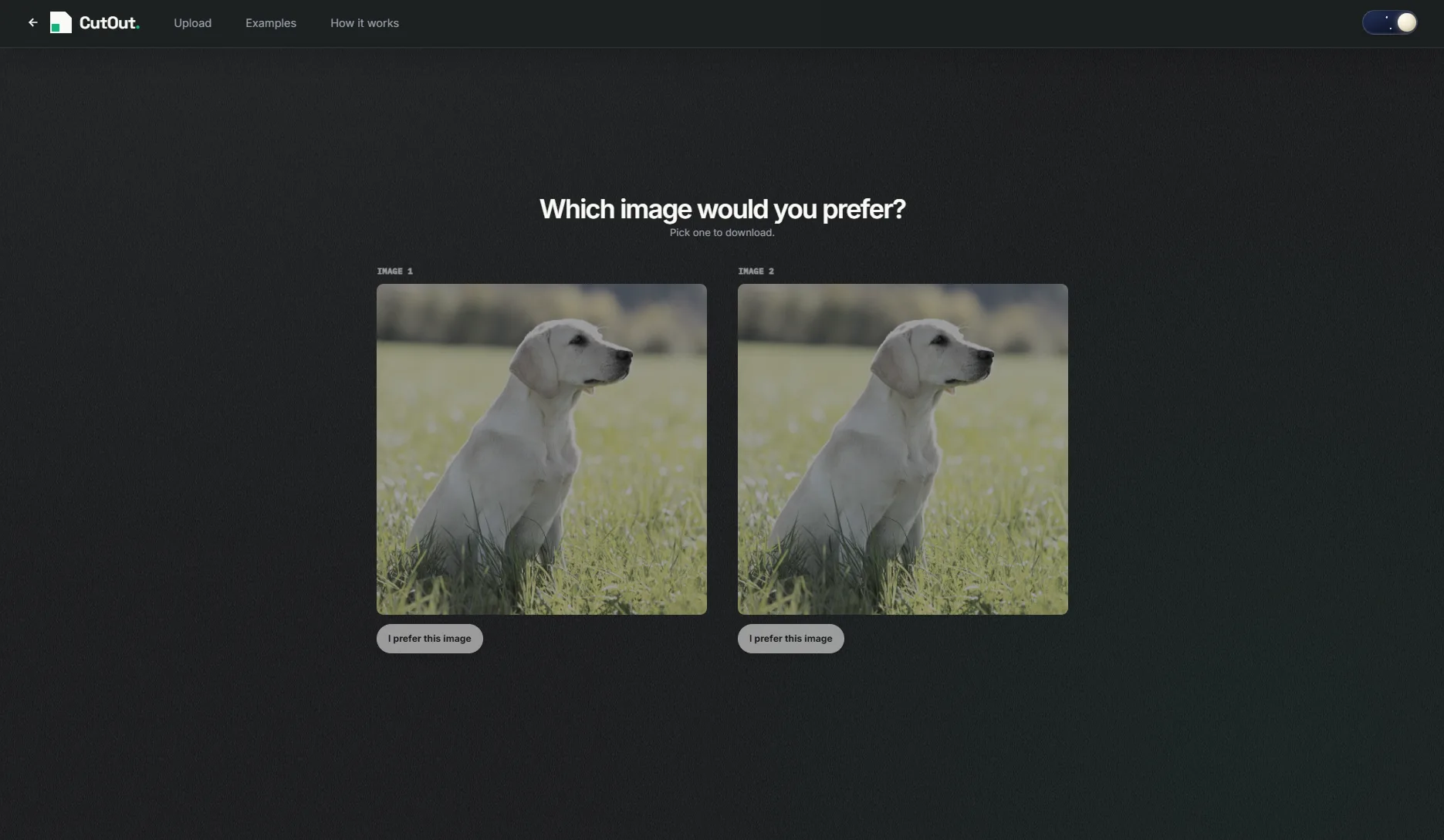 STEP 02
Compare Dual AI Results
CutOut processes your photo through two neural models (MODNet & ISNet). Click the candidate that looks best.
-
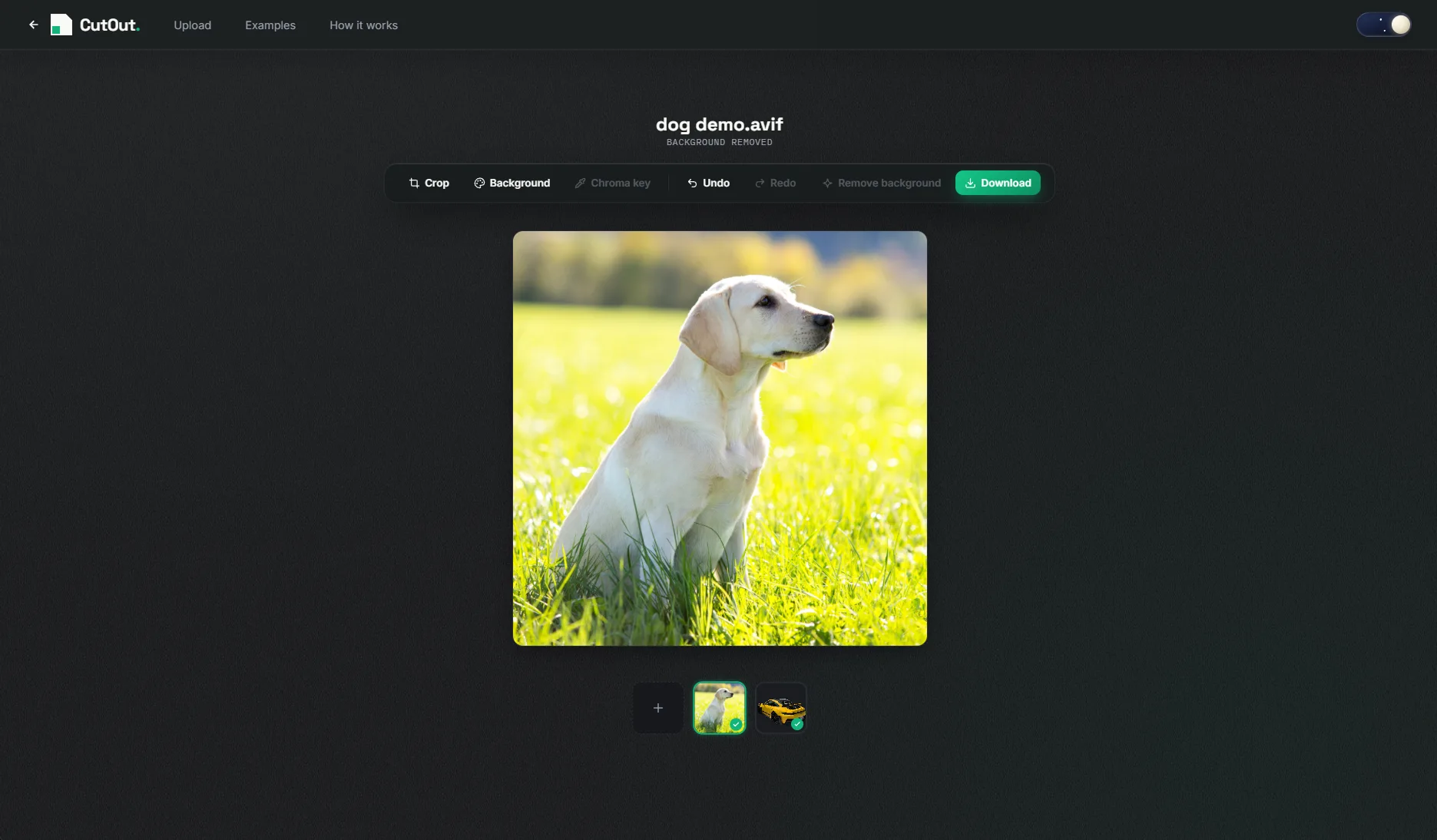 STEP 03
Edit & Download PNG
Crop, add a solid background color, or use Chroma Key, then download your full-resolution transparent PNG.
Why Remove Image Backgrounds?
Removing the background from a photograph isolates the primary subject, making it versatile for numerous applications:
🛒 E-Commerce & Product Shots
Clean white or transparent backdrops increase conversion rates on Amazon, Shopify, eBay, and Etsy listings.
👤 Profile Pictures & Headshots
Create professional headshots for LinkedIn, Twitter/X, Discord, or company directory pages.
🎨 Graphic Design & Marketing
Layer products and subjects into posters, banners, social media ads, and YouTube thumbnails effortlessly.
🆔 ID Photos & Passports
Replace busy home backgrounds with clean neutral white or blue backdrops for official documents.
Frequently Asked Questions
Is CutOut really free to remove image backgrounds?
Yes, CutOut is 100% free with no hidden fees, no subscriptions, no credit limits, and no watermark on your exported PNG files.
What image formats are supported?
CutOut supports JPEG (.jpg, .jpeg), PNG (.png), and WebP (.webp) image files up to 26MB in file size.
Will my uploaded image be saved or shared?
No. CutOut operates under a Zero Data Retention privacy policy. Your uploaded photos are processed temporarily in volatile memory to generate your cutout and are automatically deleted when your session closes.
Can I use cutouts for commercial products?
Yes! You can freely use your cutouts for e-commerce listings (Amazon, Shopify, Etsy), social media ads, client work, and commercial graphics.